
Secret Santa Generator
Organize your Secret Santa online, with a wish list for everyone who takes part. It works for friends, family or colleagues, and it's completely free.

- Participants don't need an account
- Keep couples from drawing each other
- Results by email or WhatsApp
- Everyone can add their wishlist
How it works
Add participants
Create a free account and enter everyone's name. Email addresses are optional.
Draw names
We draw the names at random and give everyone one person to buy for.
Everyone gets their own link
Anyone with an email address gets a private link by email. You send the others their link yourself, by WhatsApp or any other way. Participants don't see anyone else's pick.
Great for
- Office party
- Friend group
- Family Christmas
- Online exchange
- Colleagues
- Classroom
- Remote team
- Neighbors
What it looks like
Here's what the draw looks like for your group.


Secret Santa gift ideas for any budget
Secret Santa gift ideas at different price levels, from small surprises to something a bit more special.
 Batch Coffee Gift SubscriptionSponsoredbatchcoffee.co.ukView product
 LifeAround2Angels Bath Bombs Gift Set 12 USA made FizziesSponsoredamazon.comView product
 RIIQIICHY Head ScarfSponsoredamazon.comView product
 USAOPOLY Flip 7, The Ultimate Blend of Press Your Luck &…Sponsoredamazon.comView product
 Oxford Spiral Notebook 6 PackSponsoredamazon.comView product
 Nulaxy Full Aluminum Dual Folding Cell Phone StandSponsoredamazon.comView product
 Ferrero Rocher Gourmet Hazelnut Milk Chocolate Gift BoxSponsoredamazon.comView product
 Pixlora Puzzles for Adults 1000 PiecesSponsoredamazon.comView product
 Der Rose 2 Pack Fake Plants Small PlantsSponsoredamazon.comView product
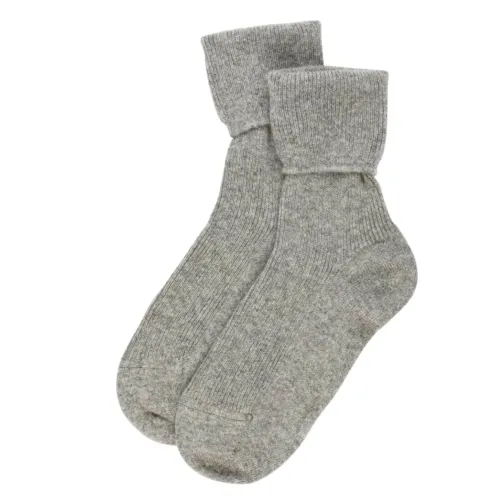 Women’s Cashmere SocksSponsoredsockgeeks.co.ukView product
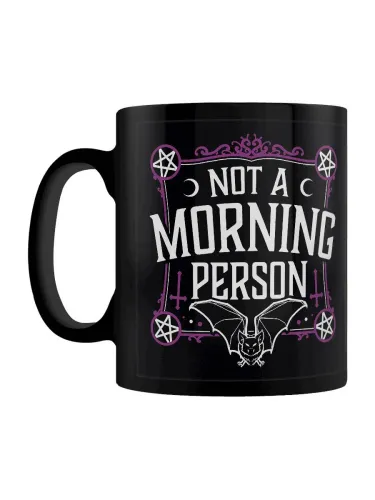 Not a Morning Person Black mugSponsoredkoolthings.co.ukView product
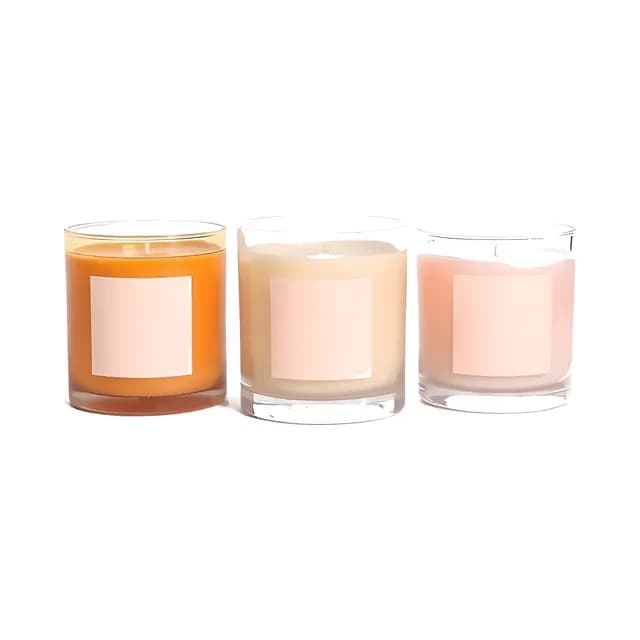
 Bath & Body Works Mahogany Teakwood Intense 3-Wick CandleSponsoredamazon.comView product
Learn more about organizing a Secret Santa
What is Secret Santa?
Secret Santa is a festive gift exchange where everyone in a group secretly draws the name of one other person and buys a single gift for them. On the day of the exchange the gifts are handed over, and everyone can guess who picked whom. It's a popular tradition in offices, friend groups and families during the holidays because it keeps things simple, with one present each instead of a gift for everyone. With Happy Giftlist you can organize the whole thing online, without paper slips or a hat.
How do you organize a Secret Santa?
Start by adding each participant with their name, and an email address if you have one. Set a budget that works for everyone, and exclude any pairs who shouldn't be matched, for example couples or siblings who already buy for each other. Then start the draw. Happy Giftlist runs the name picker and gives everyone their secret recipient. Everyone with an email address gets a private link by email that shows their match; for the others you get a private link to send by WhatsApp or any other way. The organizer needs a free account; participants don't need an account or even an email address.
What's a good Secret Santa budget?
Among friends and colleagues a typical Secret Santa budget is about the price of a good book or a bottle of wine, while families often go a little higher. Pick an amount everyone in the group is comfortable with, so nobody feels they have to overspend, and stick to it when you buy your gift. If your recipient has linked a wishlist, you'll see what they'd like within that price range.
Works for remote and online groups too
Since everything happens online, by email or through a link in WhatsApp, the Secret Santa generator works just as well for groups spread across different cities or countries, like families who live far apart, colleagues working from home or friends abroad who can't meet up. Gifts can be sent straight to each recipient's address from any online store, so nobody misses out on the exchange.
A Secret Santa website and organizer for any group
Happy Giftlist is a Secret Santa generator and a Secret Santa website with wishlist sharing built in, and there's a Secret Santa app for iPhone and Android too. At the office, colleagues you add with their work email get the name they drew by email, and anyone else gets a private link you send them. In a family, you draw names Secret Santa style, and a grandparent without an email address gets their link by WhatsApp. One person acts as the Secret Santa organizer, and nobody knows in advance who will draw their name. Everyone can join the Secret Santa online from wherever they are, without a spreadsheet or a chaotic group chat.
A Secret Santa generator with wish list sharing
What makes it different from a basic Secret Santa list or a random Secret Santa name generator is the wishlist link. Once the names are drawn, every participant can attach their own Secret Santa wishlist, or add a few wishes through their private link without an account, so the person who drew them knows what they'd like. With a Secret Santa wishlist, the giver doesn't have to guess, and it's far less likely that someone ends up with a gift they already have, or the same thing they were given last year.
How the Secret Santa generator draws names
Type in everyone's name. An email address is optional. Set a budget, click “Done”, and the generator matches every person with someone else at random. Each participant gets their own link by email, or you send it on WhatsApp for people without an address. Opening the link shows only their own match, so nobody sees the full list.
Keep couples apart and see who has drawn
Exclude pairs that shouldn't draw each other, such as partners who already buy for each other. On the settings page you see who hasn't drawn a name yet and who hasn't added gifts, and you can send a reminder by email, at most once a day per person. Next year, “Draw again” starts a new draw with the same people, budget and exclusions already filled in.
Kits for offices, classes and clubs
A message to paste in the group chat, tips for that group and a draw where everyone signs up with one link.
More on Happy Giftlist
Guides from our blog
Frequently asked questions about Secret Santa
Add all participants by name (an email address is optional), set a budget and exclude any pairs if needed. Everyone with an email address then gets a private link by email that shows who they're buying for; you send the others their link by WhatsApp.
In Secret Santa, everyone draws a name in secret and buys a gift for that person. Each person only knows who they drew until the gifts are handed out.
Yes, it's completely free. The organizer needs a free account. Participants don't need an account, and an email address is optional. A draw can have up to 100 people.
At least 3 people and up to 100, so it works just as well for a small family as for a big office party.
Whatever the whole group is comfortable with. Friends and colleagues tend to keep it small, and families often spend a bit more. Once it's set, everyone sees the budget next to the name they drew.
Yes. Each participant can add a wishlist, or a few wishes through their private link without an account, so their Secret Santa can pick something they'll actually like.
Things you'd enjoy but wouldn't buy for yourself, within the budget: the next book in a series you're reading, supplies for a hobby, a board game. Two to five wishes is plenty and still leaves your Secret Santa a choice.
Something that feels personal but works for anyone: good coffee or chocolate, something fun to use at work or at home, or a ticket for a small outing. Stick to the agreed budget and check the recipient's wishlist if they have one.
Yes. The organizer can look up who each participant drew on the settings page, and nobody else can. Participants only see their own match.
Ask them to check their spam folder first, because emails sometimes end up there. You can also send the invitation again with the “Send reminder” button on the settings page of your draw, or copy their private link there and send it by WhatsApp.
The draw can't be redone, but you can put someone else in their place. On the settings page, change that participant's name to the new person's, and the email address too if you have it. With an email address the new person gets the invitation; without one, you send them their link yourself. Whoever drew the old participant now buys for the new one.
Yes. Nobody needs to be in the same room, so it suits a family spread over several countries as well as a team that works from home.
No. Every participant gets a private link that shows who they drew, the budget and that person's wishes. Through the same link they can add their own wishes, without an account. People with an email address get the link by email, and as the organizer you can copy each person's link or send it by WhatsApp from the settings page.
Yes. Only the names are required; an email address is optional. Whoever has one gets their link by email. For everyone else you get a private link per person after the draw, which you send by WhatsApp or copy into any other message. On that page they can also add their email address if they'd like the link by email.
Yes. Click “Draw again” on last year's draw. A new draw opens with the same people, budget and exclusions filled in, so you only change what's different this year. Nothing is sent until you click “Done”.
Yes. When you create a draw, choose “Everyone joins with a link”. Share the link in the group chat, and people add their own name and email and can add wishes right away. Once everyone's in, click “Draw now” and each person gets an email with who they drew. Handy for offices, classes and clubs.



Ready to draw names?
Add everyone, draw the names and send each person their own link. It's free.
Start your draw