
Free wishlists & Secret Santa
Make a free online wishlist or draw names for Secret Santa with family, friends or colleagues. For birthdays, Christmas, weddings and more.
Looking for someone's list?Find a list- Add gifts from any online store by pasting a link
- Share with family and friends via a simple link
- Nobody buys the same gift twice
- 1,000,000+ gifts on wishlists
- 100,000+ users



A wishlist for every occasion
From a birthday wishlist to a wedding registry, make the list you need for free.


Birthday wishlist
Make sure you get what you actually want
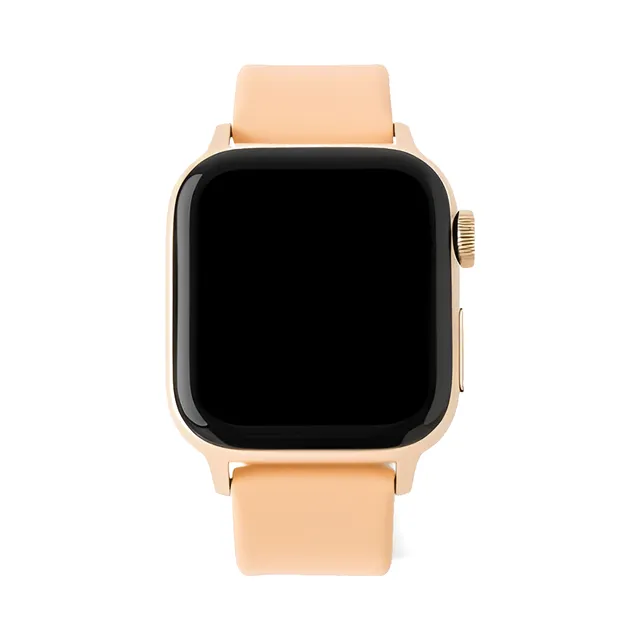
Christmas list
The right gifts under the tree

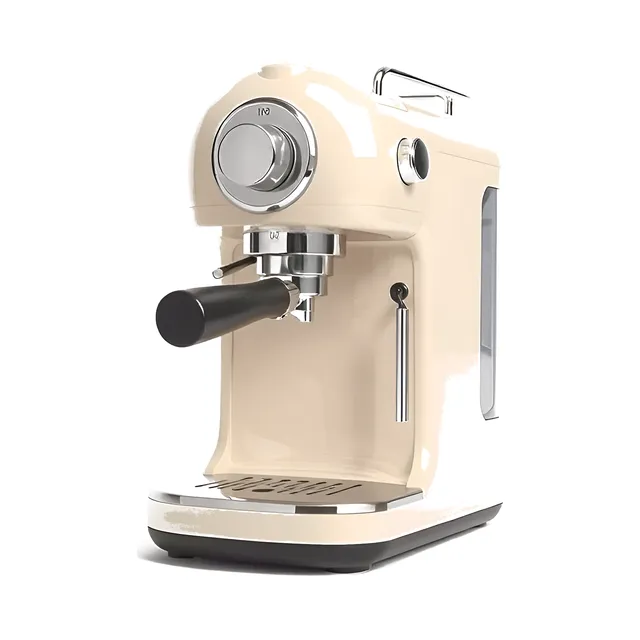
Wedding registry
Gifts for your home together
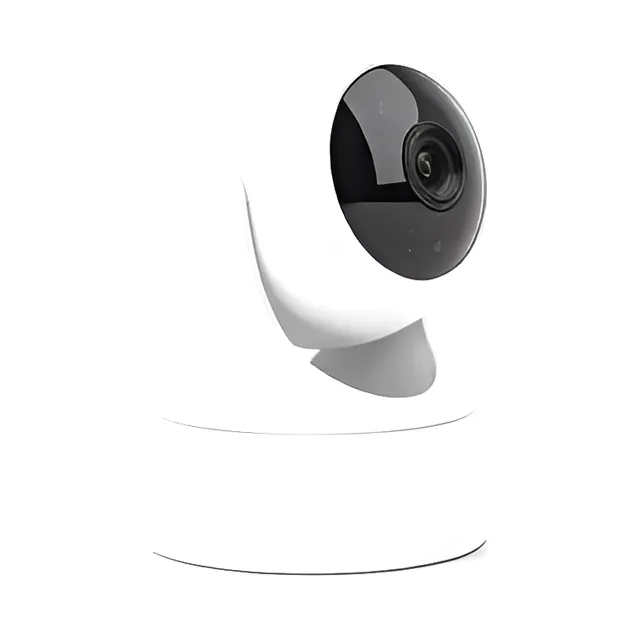
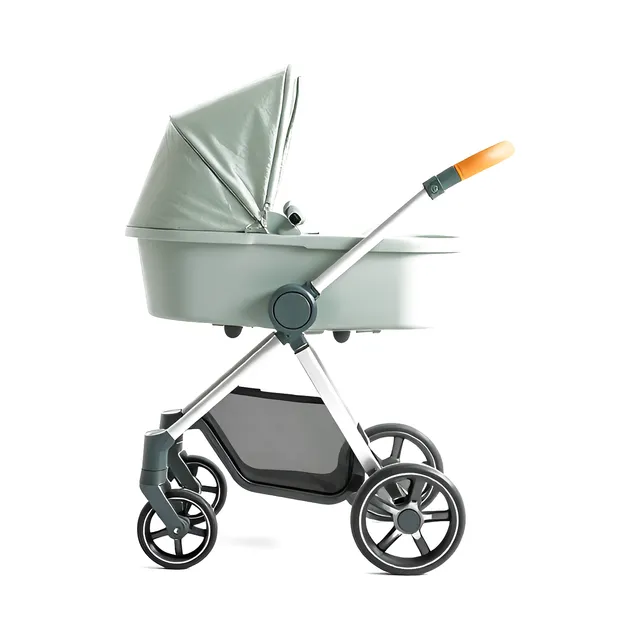
Baby registry
Everything ready before the baby arrives


General wishlist
For whenever something catches your eye

Secret Santa generator
With friends, family or coworkers
How it works
Create your wishlist
Paste a product link and we pull in all the details for you, or add things by hand.
Share with friends and family
Send the link to friends and family. They'll see your list right away and can pick something out.
No duplicate gifts
Once someone picks a gift, it's marked as reserved and the others choose something else.
Add gifts from any online store
Paste any product link from Amazon, ASOS, Etsy or any other store, and we pull in the title, image and price automatically. You can also use our gift suggestions to find ideas.
- Name, photo and price filled in for you
- Gift cards and your own ideas work too
- Let people chip in for something bigger
Works with
- Amazon
- Etsy
- John Lewis
- Target
- and any other online store
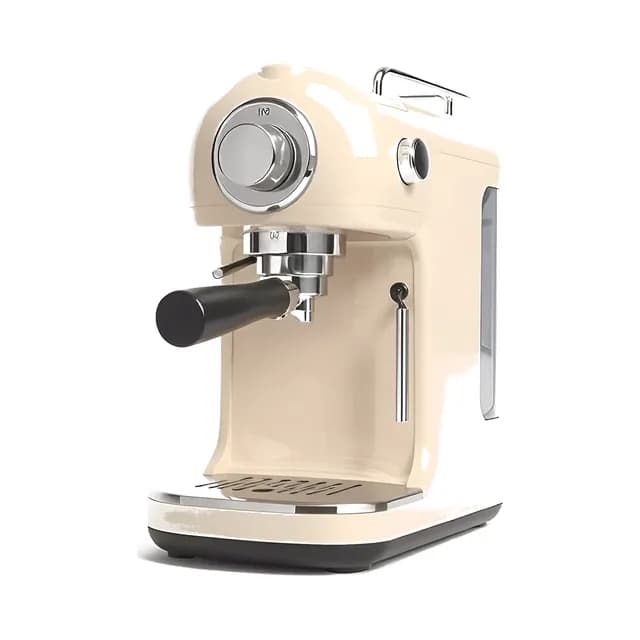
No duplicate gifts, and you decide if it stays a surprise
Your friends see what's already reserved. You decide whether you see it too.
What you see
Keep it a surprise, or switch on “See reserved gifts” to see what's already been picked.
What your friends see
Chosen gifts are checked off, so nobody buys the same thing. No account needed.
A bigger gift, together
Add a pricier gift as a contribution. Everyone chips in what they want until the total is reached.
Organize Secret Santa with your group
Run the classic gift exchange online. Add participants and set a budget, and we'll do the draw. Everyone gets a private link that shows who they drew, by email or from you on WhatsApp. It works for the office, friends or a family Christmas.


Wishlist app and Chrome extension
Handy extras for adding gifts to your wishlist, wherever you find them.
Mobile app
Take your wishlists with you. With the Happy Giftlist app for iPhone and Android you add gifts, follow lists and get a notification when someone reserves a gift on your list.



Chrome
With our Chrome extension you add the product you're looking at to your wishlist in one click, without copying the link or switching tabs.
Add to ChromeHow Happy Giftlist works for wishlists and Secret Santa
What is Happy Giftlist?
Happy Giftlist is a free online wishlist and Secret Santa tool. Build your own wish list, share the link with friends and family, and stop ending up with three of the same book on your birthday.
Some call it a wishlist, others a gift list, a gift wish list or a present list. It's the same idea, and our gift list maker keeps it simple: make the list online and share one link.
Make a wishlist for any occasion
Use Happy Giftlist to create a birthday wishlist, a Christmas wish list, a wedding registry, a baby registry or a general wishlist that isn't tied to any date.
Paste a link from any online store (Amazon, Etsy, ASOS or anywhere else) and we'll pull in the title, image and price automatically. You can also add items by hand or let several people contribute to a bigger gift together.
Secret Santa, draw names and gift exchanges
For a Secret Santa at the office or a gift exchange with friends, our Secret Santa generator does the name draw, gives each person their match by email or through a private link you share on WhatsApp, and shows them the Secret Santa wishlist of the person they drew, so the giver knows what to buy.
It's a free Secret Santa generator with wish list sharing built in. Use it as a Secret Santa wishlist website for the office, or as a gift exchange generator when friends want to draw names online.
A free gift list website that works on any device
Creating a wishlist on happygiftlist.com is free, and the people you share the link with don't need to sign up to view or reserve a gift. As the list owner you don't see the reservations unless you switch on “See reserved gifts” on your list, so the gifts can stay a surprise.
It works on your phone, tablet or laptop, so you can add something the moment you spot it and share the link via WhatsApp, on your wedding website or in the family group chat.
Frequently asked questions
Yes. Creating a wishlist, sharing it and running a Secret Santa are all free.
No. They just open the link you send them, without signing up or making a password, and can reserve a gift straight from the list.
Yes. Paste the product link from any store, such as Amazon, Etsy, ASOS, IKEA or your favorite local shop, and we'll pull in the image, title and price automatically. You can also add items manually if you prefer.
Add the names of everyone in your group, with an email address if you have one, set a budget if you'd like, and click “Done”. People with an email address get their private link by email, showing who they're buying for; you send the others their link by WhatsApp. Through that link they can also add their own wish list for Secret Santa, without an account, so whoever drew them knows exactly what to get.
Yes. For contribution gifts, several people can put money toward the same item. Each contribution is tracked, and givers can see how much is still needed.
Yes. Happy Giftlist works on phones, tablets and computers, and most people build and share their list straight from their phone. There's also a Happy Giftlist app for iPhone and Android.
Any occasion you like: birthdays, Christmas, weddings, baby showers, housewarmings, anniversaries, Mother's Day, Father's Day, graduations, or “just because”. People also use it for office gift exchanges and Secret Santa with friends.
Yes. Create a separate list for each occasion, like your birthday wishlist, your Christmas wish list or your wedding registry, and share whichever one you need at the time.
Yes. Givers see which gifts are already reserved and choose from what's left. You see nothing by default; switch on “See reserved gifts” on your list if you'd rather know who reserved what, or turn on “Tell me who reserves gifts” to get an email for each reservation.
When you create your list you can check “Private”. The list then doesn't show up when someone searches for your email address on Happy Giftlist; only people you give the link or code to can open it. If you leave it unchecked, people who know your email address can also find the list that way.
Make your first wishlist
It's free and easy to share.
Create wishlist- 100% free to use
- Add gifts from any online store by pasting a link
- Nobody buys the same gift twice