
Birthday Wishlist
Create a birthday wishlist, free and online. Put your birthday ideas on one list so friends and family can easily pick a present you'll like.

- Friends don't need an account to reserve
- Add gifts from any online store
- Pool money for bigger gifts
- Share with one link, on WhatsApp too
How it works
Name your list
Give it a title and add a short note if you like. You only need a free account when you save it.
Add your gifts
Paste any product link and we pull in the title, image and price for you.
Send the link, you're done
Share it with whoever you want. When someone picks a gift, it's reserved, so nobody buys the same thing twice.
Perfect for
- Milestone birthday
- Kids' party
- Teen birthday
- 50th birthday
- Surprise party
- Sweet sixteen
- Colleagues
- Best friends
What it looks like
Here's what a wishlist looks like for friends and family.
Birthday gift ideas for every age
Birthday gift ideas for babies, teenagers, parents and grandparents. Add anything you like to your birthday wishlist.
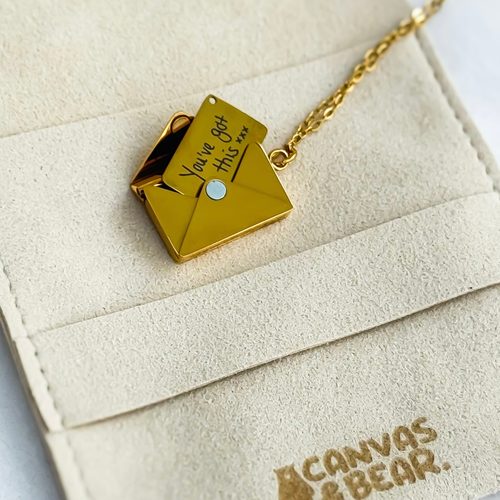 Letter Envelope NecklaceSponsoredcanvasandbear.co.ukView product
 Bath & Body Works Mahogany Teakwood Intense 3-Wick CandleSponsoredamazon.comView product
 Costa Farms Live Indoor House PlantsSponsoredamazon.comView product
 Handheld Game for Kids -Preloaded 220 Retro Video GamesSponsoredamazon.comView product
 Caliart 176PCS Art Supplies Sketching KitSponsoredamazon.comView product
 NEWITIN 49 Pieces Gold Jewelry SetSponsoredamazon.comView product
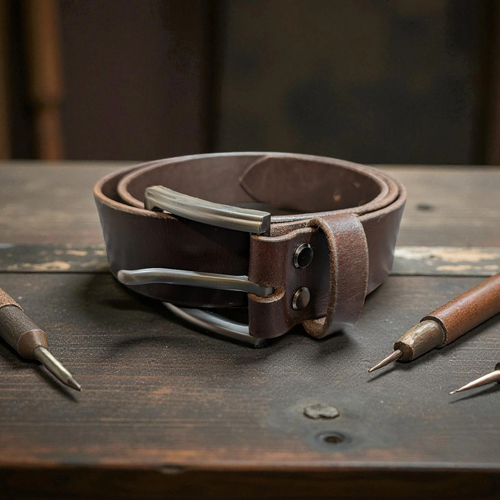 Vexillum Dark Brown Full Grain Leather BeltSponsoredlwleatherworking.comView product
 Summer Fridays Jet Lag™ EssentialsSponsoredamazon.comView product
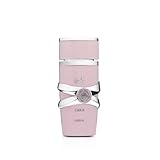 Lattafa YaraSponsoredamazon.comView product
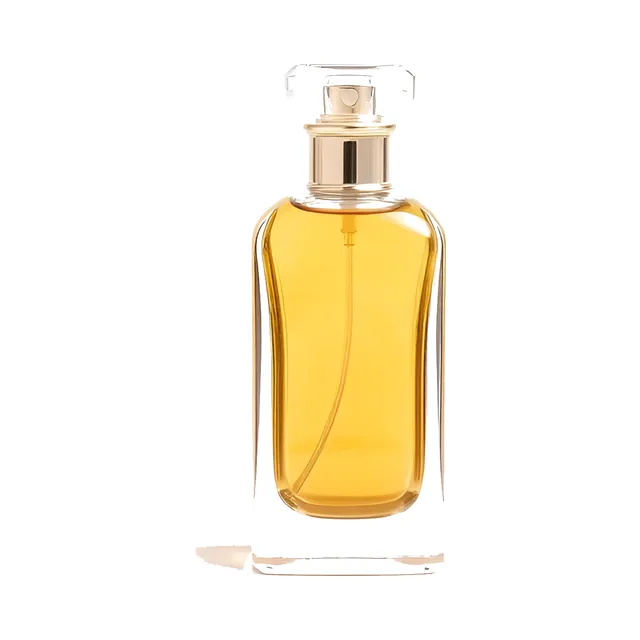
 Theo of GoldenSponsoredamazon.comView product
 CATAN Board GameSponsoredamazon.comView product
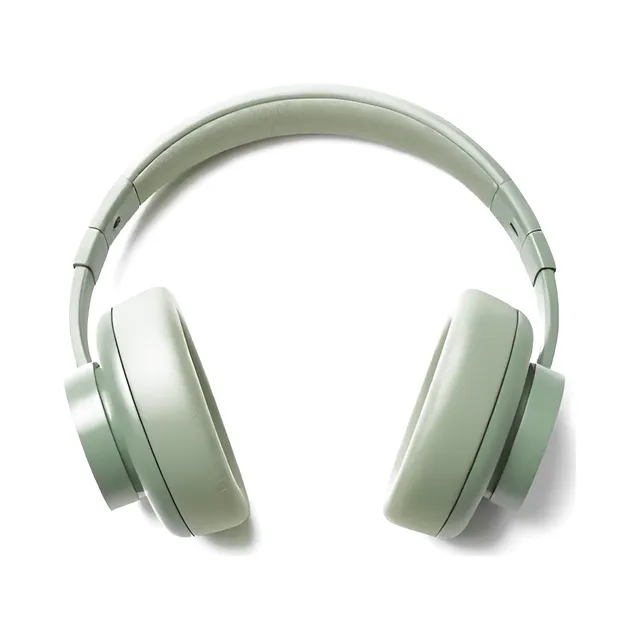
 JBL Tune 510BTSponsoredamazon.comView product
Learn more about creating a birthday wishlist
What is a birthday wishlist?
A birthday wishlist is a list of gifts you'd like to receive for your birthday. Share it with friends and family so they know what to get you, and you won't end up with duplicates or things you'll never use. With our birthday gift list maker, building a birthday list online is simple, and it works for any age, from kids and teens to parents and grandparents.
How to put together a great birthday list
Start with things you really need or have been meaning to buy yourself. Aim for a spread of prices: a few smaller, cheaper items for guests on a tighter budget, plus a couple of bigger picks several people can chip in for. Experiences work well too, like a restaurant gift card, a concert ticket or a day trip. In our birthday list maker you paste a product URL from any online store, and we pull in the details for you.
How to share your birthday wish list online
Once your list is ready, you'll get a unique link to share. Drop it into the family group chat, send it on WhatsApp, or include it with your birthday party invitation. You can also copy the short code so others can look up your list on happygiftlist.com, or download a QR code to print on the invitation. Friends and family don't need an account. They just open the link, pick a gift and reserve it. As the list owner you don't see the reservations unless you switch on “See reserved gifts” on your list, so the gifts can stay a surprise.
Can I create a birthday list for someone else?
Yes. Parents often create a birthday gift list for their child and share it with grandparents, aunts, uncles and friends. It helps when everyone keeps asking what the child actually wants, and it saves you answering the same question in five different chats. Log in to your account, start a new list with your child's name, add the gifts and share the link. A wish list for someone else is free too, and you manage every list from a single account.
Birthday wishlists for every age
It works just as well for a kid turning five as for a family member turning seventy. Kids and teens tend to fill their lists with tech, books and experiences; adults usually mix in things for the home, hobbies and the odd little treat. You can update your birthday wishlist whenever you like. Add, reorder or remove gifts as you change your mind, and everyone with the link sees the latest version.
More on Happy Giftlist
Guides from our blog
Frequently asked questions about creating a birthday wishlist
Type a name for your list at the top of this page and click “Create birthday wishlist”. If you're not signed in, you can sign up for free or log in right there, and your list is created straight away. Add gifts by pasting a product URL, and we fill in the title, image and price automatically. Then your birthday wishlist is ready to share.
A birthday wishlist is a list of gifts you'd like to receive for your birthday. Share it with friends and family so they know what to get you and nobody buys the same thing twice.
Yes, it's 100% free. You can build as many birthday lists as you like.
Things you'd actually use, at a few different prices, so someone with a small budget finds something too. Use the exact product link and add a note when size or color matters.
Yes. For expensive items, you can add them as a contribution, so several people can each put an amount toward the gift. That helps with electronics, experiences or other bigger items where one person might not want to pay the full price.
Yes. Paste a product URL from any store and we'll automatically pull in the name, image and price. You can also add a gift manually without a URL.
Not at all. Most people would rather know than guess, and adults are hard to buy for. Share it when someone asks what you'd like.
When someone reserves a gift, other visitors can see it's taken. That stops anyone from buying the same thing. You don't see what has been reserved, or by whom, unless you switch on “See reserved gifts” on your list or turn on “Tell me who reserves gifts” to get an email for each reservation.
Two to three weeks before your birthday works well. That gives everyone time to choose and order something, and you can keep adding gifts after you've shared the link.
No. Anyone with the link can browse and reserve without signing up. Only you need an account to create and edit the list.
Yes. Parents often create a list on behalf of a child and share it with family. Just name the new list at the top of the page and share the link.
Yes, you can add or remove gifts at any time. Already-reserved gifts stay marked even if you edit the list, so nothing gets lost.
Ready to start your list?
Name it, add your first gifts and share the link. It's free.
Start your birthday wishlist